
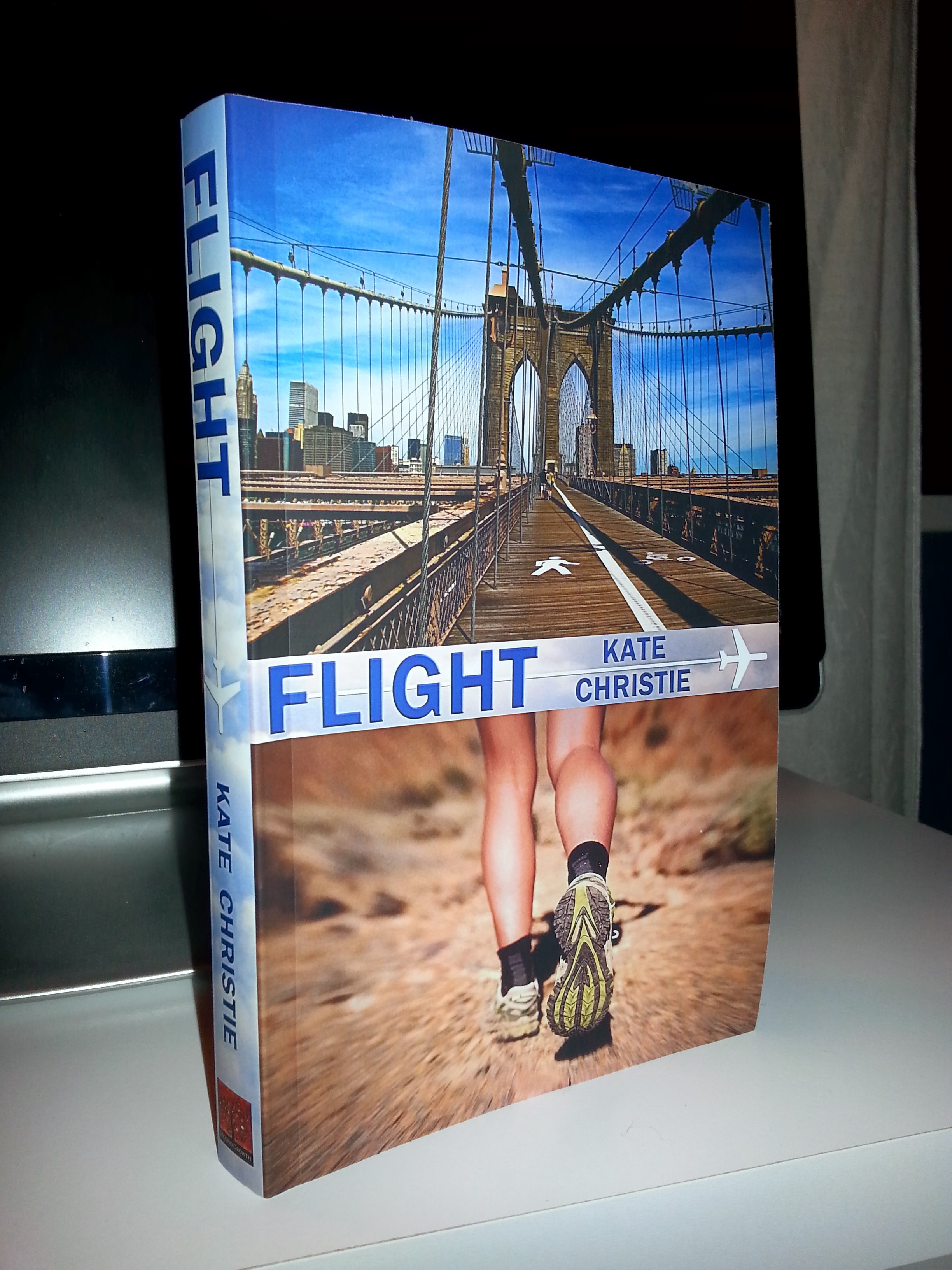
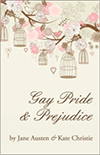
I’ve now self-published three novels with CreateSpace (print) and Amazon/Nook/my website (eBooks), and while I’m not an expert, I have developed a system that seems to work. At least, it works for me. When I went to launch Flight last month, though, I realized it had been more than a year since my last release. That primer I’d intended to write in late 2012 when I published Gay Pride & Prejudice? Yeah, turns out it would have been exceedingly helpful to have on hand this time around, particularly the Byzantine steps needed to create a print-ready cover PDF for CreateSpace.
So while I waited for CS to review the print files for Flight, I quickly typed up the steps to my process. I wasn’t trying for the nice round number of 20; just worked out that way. Of course, it’s more like 41 steps if you count the nested lists… Anyway, many of these notes are very specific and seemingly esoteric if you haven’t gone through the process, but I thought I would share them anyway for anyone interested in the steps I take to make a book. My hope is that they might actually be useful for someone else engaged in the self-publishing revolution, too.
Summary
Before I move on to the steps to my self-publishing process, I thought I would quickly summarize them:
(1) Write the text in MS Word using a formatted template from CreateSpace
(2) Download a custom cover template from CreateSpace
(3) Buy inexpensive high-res cover art and use Photoshop/Illustrator to create the cover
(4) Upload completed interior and cover files separately to CS (typically in PDF format) to be reviewed at their end for print-readiness
(5) Order a print proof copy, revise the final draft, upload files, and proof again
(6) Take the truly final, completed text and convert it to eBook format(s)
(7) Upload eBook files to various vendors and to your website to sell
Voila! Sounds easy, right? Right.
So here are those steps with much more detail and advice gleaned usually the hard way by moi. Let me know if you have any questions by posting a comment—chances are, if you’re wondering about something, so is someone else.
The Steps as I See Them
- Choose paperback trim size (8.5 x 5.5 for me) and download the formatted Microsoft Word template from CreateSpace: https://www.createspace.com/Products/Book/InteriorPDF.jsp
- Write the novel. Revise the novel. Go away for a week minimum, a month preferably. Read the novel and revise again. Have others (a minimum of two, preferably someone with editorial skills and experience!) read the manuscript when you think it’s complete. Revise again.
- Set up the book at CreateSpace.com. (If you don’t already have a CS account, you will need to register, which involves sharing your Social Security number for tax purposes and a bank account for direct deposit of your future spoils.) Pick either a CreateSpace ISBN for your new project or your own. (I use my own so that the publisher of record is my imprint, Second Growth Books, not CreateSpace/Amazon, but that also means my book isn’t available for libraries to order from Amazon.) You can buy your own from Bowker (https://www.myidentifiers.com/).
- Once your book is in close to final shape, download a custom cover template for your chosen trim size and number of pages from CreateSpace: https://www.createspace.com/Help/Book/Artwork.do
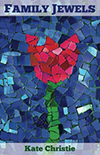
- Edit the PNG file in Photoshop. For my self-published titles, I buy royalty-free stock photos (Flight, Family Jewels) or vectors (Gay Pride & Prejudice) from http://BigstockPhoto.com—seriously affordable and good high-res images. You’ll need the cover photos to be larger than 1200×1600, so I definitely recommend buying a high-res cover image from a professional website that offers royalty-free options.
- Once your cover is complete, print it to a PDF file in high print quality according to these specifications:
- Fonts and images are embedded.
- Specified page size matches the intended trim size plus bleed (if applicable). You may lose the bleed you included in your native document if not printed to the proper size.
- Bookmarks, annotations, and comments are disabled.
- Document security (any type) is not used.
- PDF/X format is used. PDF/X is preferred, but if you are submitting non-PDF/X files (for example, PDF/A), any comments, forms, or other non-printing objects could be removed during our review process.
- Transparent objects are flattened.
- Spreads and printer’s marks are disabled.
- Downsampling, or decreasing resolution, of images is disabled.
- Other important print-to-PDF settings:
- Page size = custom; match the document size specified in Photoshop (in inches). Or choose an existing paper size and modify it to match the Photoshop document size—typically 19 x 13 inches.
- Landscape
- Minimum 300 dpi
- Upload your interior file to CreateSpace as either a .doc or, if you have a bunch of interior art work, printed to PDF file using the same settings as the cover file. I’ve done each for different books and had good results.
- Upload your cover file to CreateSpace.
- CS will review the files and let you know when they are ready to be proofed, usually in about 24 hours.
- Use CS’s online proof review option first. Once you’re satisfied with the cover and interior there, order a print proof copy.
- Use the time it takes for your proof to reach you to rest, work on your promo materials/website/Bowker record, or connect with neglected family and friends. Do not think about your book cover or content!

Kauai, December 2007
Whew, thought we should take a visual break, too. The text in this post breaks the rules for online text chunking! And yes, “chunking” is a word. Really.
- When you receive your proof copy, set aside a day or two (if you can; I know, right?) and read through your book as quickly as you can in order to catch consistency issues and other errors. Mark any changes directly on the page. Have a second reader do the same, if possible. The more eyes, the better.
- Edit your interior file in Word. Try not to make any other changes than what you’ve marked in your proof copy—the more changes you make, the more chances for new errors. (Trust me on this one.)
- When your file is complete, upload to CreateSpace. They will review the files one more time (24 hours or less) and let you know when your book is ready to go on sale.
- Now that your text is absolutely final, work on your eBook. One option: Pay CS $69 to convert your book to Kindle. Or find someone else to convert your book —the CreateSpace Community Forums have lots of folks who do the service well and on the cheap side.
- If you want to do it yourself, here’s what I do:
- Obtain the ePub template/coding directions from somewhere reliable—I got mine from wiki (http://en.wikipedia.org/wiki/EPUB), believe it or not, but plenty of other options are available.
- Code the book in Notepad (admin files) and DreamWeaver or another WYSIWYG HTML/XML editor (content files). Note: For the content files (chapters), cut and paste your text into Notepad first and then into your HTML editor. This strips all Word formatting out, which is what you want but also a pain because then you have to go through the text in your HTML editor and manually add back in any text formatting, like italics. Fortunately, Word allows you to search for character formatting (i.e., italics), so it’s not as impossible as it sounds. Just very time consuming.
- Use WinZip to compress the parts of the eBook. Be sure to add the mimetype file to the archive first, or the resulting .zip file won’t work.
- Once the file has been created, manually change the extension from .zip to .epub. (Ignore any warnings that might pop up.)
- Validate your ePub file (check it for errors) at http://validator.idpf.org/.
- Fix any code/compiling errors and re-validate as many times as it takes. For me, usually about three to five times of receiving errors, Googling them to find out how to fix them, fixing them, and revalidating.
- Convert your ePub to .mobi and any other format you want (I use Calibre); .mobi works on the Kindle and .epub works on Sony, Barnes & Noble’s Nook, iBooks, and other ePub-based readers.
- Create the Kindle record at http://kdp.amazon.com. (You’ll have to register as a Kindle Author/Publisher and link a bank account/SSN if you haven’t already done so.)
- Create the Nook record at https://www.nookpress.com/. Again, you’ll have to register if you’re not already a B&N Author/Publisher.
- Create the record at http://smashwords.com for even more distribution options. However, this involves reformatting a second Word file, which is also very, very time-consuming, which is why I have yet to do so. But I’m told it’s the way to go, so someday I probably will try it.
- If you want to sell paperback copies directly from your website, create a link to Amazon as an affiliate or a link to your CS store—you earn higher royalties on your CS store, FYI.
- If you want to sell eBooks directly from your website, connect with an online shopping cart system if you don’t already have that capability. I use eJunkie hooked up to a PayPal account, which came highly recommended from other self-publishers on the CS community forum. A bit non-intuitive at first, but if you’re a little bit techie, it’ll come.
- Ta da! You’re done! Well, sort of. You should have already started promoting (a trailer is good—I create mine with Animoto, borrowing their stock photos when possible but also pulling from Morguefile, WikiCommons, and my own image collection, and then edit in Adobe Premiere Elements), but marketing and promotion is a never-ending side job for most authors.

This probably sounds like a lot of work, and, as my wife can attest, it is. But once you’ve launched your first self-publishing title, the system is in place. For the next title, you just use your templates and your existing online accounts, and half of the steps (okay, maybe, like, a quarter) are already set.
In conclusion, self-publishing a title takes a fraction of the time writing a book takes, but it is not for the faint of heart. Nor is it for the technically-averse.
Software programs I own and use:
- Microsoft Word
- Notepad
- Photoshop
- Illustrator
- Acrobat Pro
- Adobe Premiere Elements
- DreamWeaver
Websites I use and/or own (heh heh):
- CreateSpace: https://www.createspace.com
- Bowker: https://www.myidentifiers.com/
- BigStock: http://BigstockPhoto.com
- Morguefile: http://morguefile.com
- Wikimedia Comons: http://commons.wikimedia.org
- Unsplash: http://unsplash.com/
- Animoto: http://Animoto.com
- Wikipedia: http://en.wikipedia.org/wiki/EPUB
- IDPF’s ePub Validator: http://validator.idpf.org/
- Kindle Direct Publishing: http://kdp.amazon.com
- NookPress: https://www.nookpress.com
- eJunkie: http://www.e-junkie.com/
- My author website: http://katejchristie.com
Last and not least, good luck, and may the self-publishing force be with you!









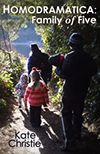



 Homodramatica